Doodle Jump Extra



Leap into Doodle Jump Extra and experience nonstop jumping action. Avoid crumbling platforms, dodge spikes, and climb as high as possible.
About Doodle Jump Extra
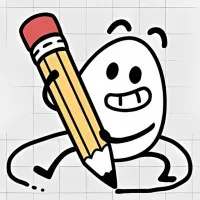
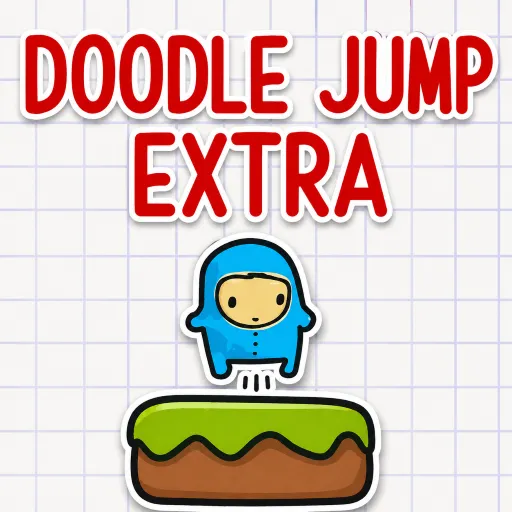
Doodle Jump Extra is an endless platform-jumping game featuring a captivating hand-drawn style, inspired by the legendary Doodle Jump. Leap continuously from platform to platform and reach record-breaking heights. With graphics resembling sketches on graph paper, simple yet addictive gameplay, and ever-increasing challenges, every session offers a chance to beat your personal best. Make every jump count, avoid every trap, and see just how high you can climb.
Gameplay
Doodle Jump Extra is an endless arcade platformer where your mission is to guide the doodle character as high as possible without falling. While the controls are simple, every jump requires precise timing. Moving platforms, crumbling platforms, speed-boosting springs, and sharp spikes appear constantly, making your journey to the sky increasingly challenging.
The character jumps automatically, so your task is to steer left or right to land accurately on the next platform. As you ascend, the spacing between platforms becomes unpredictable, and you will need faster reflexes to keep the journey going.
Platform Types
Not all platforms in Doodle Jump Extra are the same. As you climb, you will encounter various types of platforms, each with its own mechanics:
- Standard platforms: Stationary and safe to land on.
- Moving platforms: Constantly change position.
- Fragile platforms: Crumble and fall away immediately after you touch them.
- Spring platforms: Launch the character high into the air.
- Spiked platforms: End the game immediately upon contact.
Understanding the characteristics of each platform type will help you go further and achieve higher scores. Spring platforms offer a golden opportunity to make a big leap forward. Land precisely to launch yourself up several levels, clear a series of obstacles, and rapidly boost your score.
Controls Guide
- Left/Right Arrow Keys: Move left or right.
- Mouse: Click and drag to control the character.
More Games