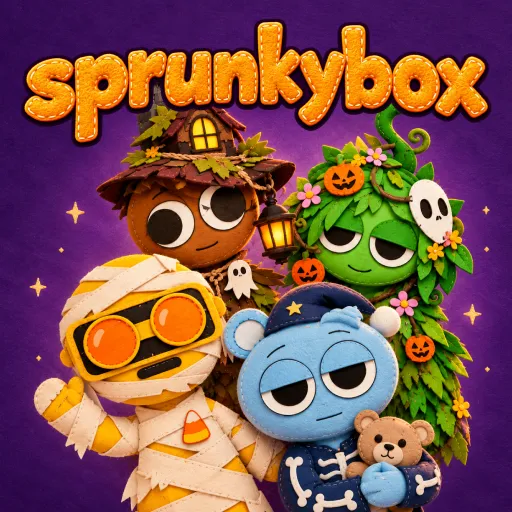
Sprunkybox










Create spooky music in Sprunkybox using monster vocals, beats, and eerie effects. Experiment with character sounds and transform the stage into Dark Mode.
Sprunkybox: Create Spooky Beats
What happens when Halloween monsters become musical artists? Sprunkybox lets you find out by turning quirky characters into your very own band. This 2D music-creation game features a Halloween theme, blending catchy rhythms, mysterious vocals, and captivating, supernatural sound effects. With secret tracks to uncover and a mystical "Dark Mode," every mix offers a new surprise! Drag your first character onto the stage and see just how exciting your Halloween-themed music can be!
Turn Halloween Characters Into a Band
Sprunkybox puts creativity front and center. Instead of following a rigid beat or racing against a timer, you have full control over the sound of your track by choosing which characters perform. Each character contributes a unique sound to your mix—combine drum beats, bass lines, melodies, vocals, and spooky effects to build a multi-layered musical composition.
How to Play
Getting started with Sprunkybox is simple, even if you’ve never played a music-mixing game before. Your goal is to arrange characters on the stage and discover harmonious sound combinations.
- Select a character: Choose an icon from the character panel.
- Place a character on stage: Drag the icon into an empty slot to activate its sound.
- Layer your music: Add more characters to blend rhythms, melodies, and effects together.
- Adjusting the Lineup: Remove or swap out characters to fine-tune the rhythm and mood of your track.
You can feature up to seven characters simultaneously, offering plenty of room for experimentation without overcomplicating the creative process.
Discover Secret Songs
Composing your own music is just one exciting aspect of the game. Sprunkybox also encourages curiosity through secret combinations and a darker musical experience. Try arranging characters in different ways to uncover hidden songs. Successful combinations can unlock musical badges and add new tracks to your Music Book. With 19 secret songs waiting to be found, you’ll have plenty of reasons to keep experimenting and searching for unexpected sounds.
Transform the Stage with Dark Mode
Looking for a spookier vibe? Add the mysterious Black character to trigger Dark Mode. The stage shifts into a dark, atmospheric setting, the characters’ appearances change, and the sounds take on a more eerie tone—perfect for crafting your own Halloween-themed mixes.
Basic Controls
- Select a character: Left-click
- Place or move a character: Click and drag
- Touchscreen interaction: Tap and drag
- Restart your mix: Space
- Toggle full-screen mode: F
- Close an open panel: Esc
Other Games