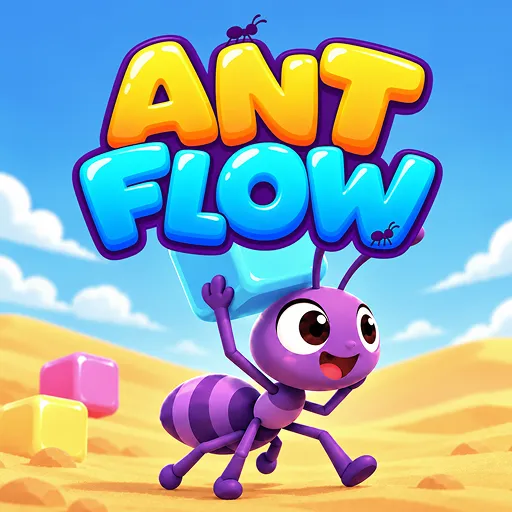
Ant Flow











Can you clear every block in Ant Flow? Match colorful ants, reveal pixel-art images, and plan your moves before your queue fills up.
Ant Flow – Clear Every Block
Ant Flow is a colorful puzzle game where you control groups of worker ants to collect matching-colored blocks and reveal pixel-art images. Plan your moves, manage your storage slots, and clear the entire board to help the ant colony continue its journey. Can you clear the board without letting your queue fill up completely?
How to Play Ant Flow
Your mission in Ant Flow is to remove all the blocks from the board without filling up the five available storage slots. Each ant box contains a group of ants of a specific color; they can only collect matching blocks that are currently exposed on the grid.
First, observe the image and identify which blocks can be collected. Click on an ant box to place it into an empty slot. The ants inside will automatically move to accessible blocks of the same color. Once all the ants in a box have been deployed, the box disappears, freeing up the slot for your next move.
Manage Your Queue Wisely
The five-slot limit is what gives Ant Flow its strategic depth. An ant box with no accessible matching blocks will simply take up space without helping you progress. Since covered blocks can only be collected after the layers above them are removed, choosing the wrong color too early could leave you with no room to continue. Prioritize clearing exposed blocks and try to keep at least one slot open.
Use Power-ups
A well-timed power-up can save a level in Ant Flow, but using one too early might waste a valuable advantage. Extra Slot: Temporarily adds a sixth storage slot.
- Shuffle: Reshuffles the ant boxes in the tray.
- Pick Up: Returns an ant box from a storage slot to the holding area.
- Tornado: Removes all blocks of the same color at once.
For a faster pace, try Ant Rush mode to further test your puzzle-solving skills.
How to Control
- Select ant box: Left-click or tap on an active box.
- Use power-ups: Select the item icon at the bottom of the screen.
- Pause game: Click the gear icon at the top of the screen.
More Games